Claude and ChatGPT now can work directly with GemPages
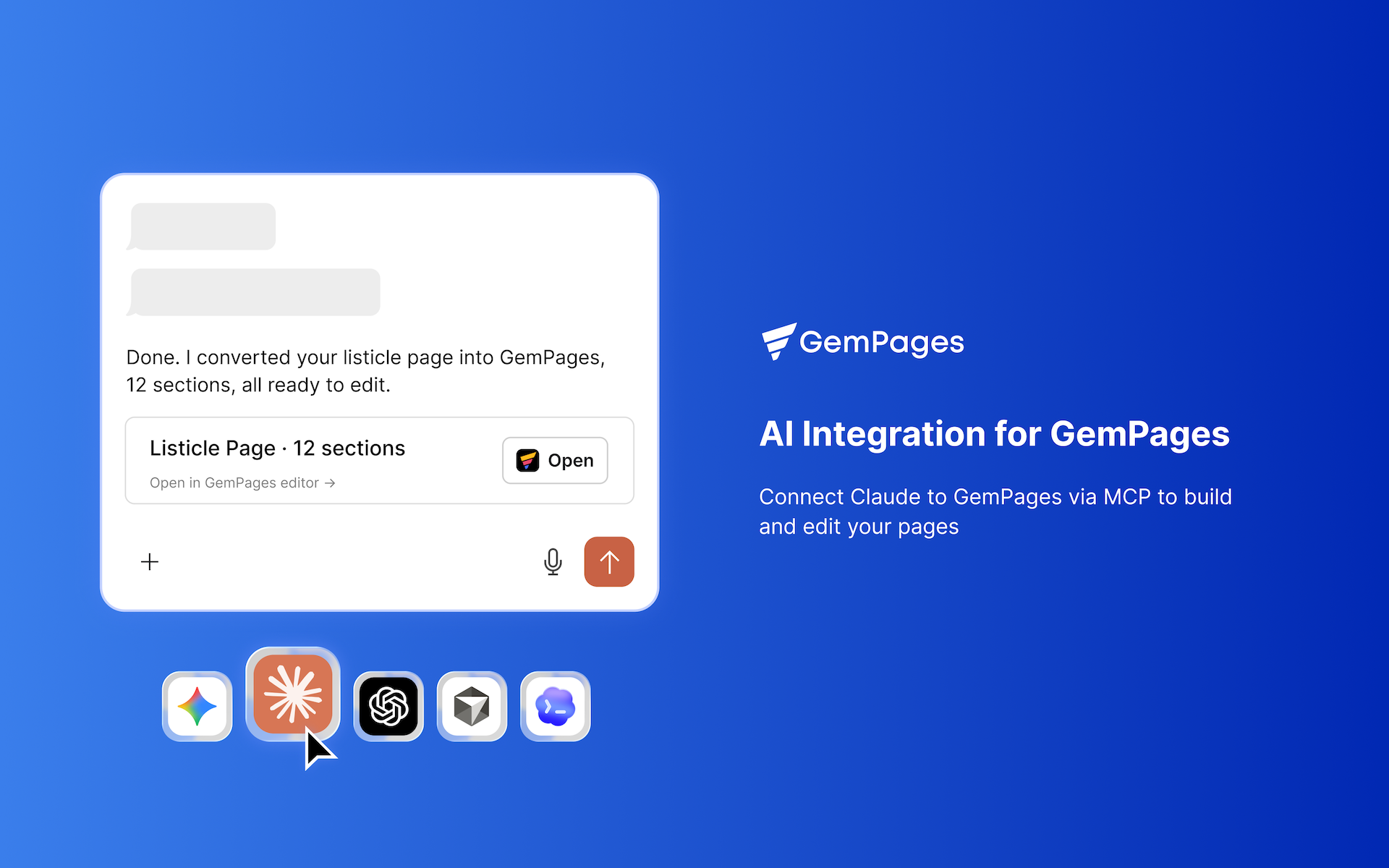
The beta version is now available. Check guide how to connect here: https://gempages.net/pages/mcp-gempages
Just tell your AI what you want to achieve. No extra cost. Seamlessly integrated into your workflow.
Connect GemPages to an MCP-compatible AI assistant like Claude Cowork or ChatGPT Codex and let your AI help you research, convert from HTML, design, and edit your pages, all through natural language.
What can you do with GemPages MCP?
1. Turn AI-generated HTML into an editable GemPages page
Give the HTML to your AI and ask it to turn the page into GemPages elements. Your page will be created directly in GemPages, ready for you to open and edit.
For example:
Upload your HTML + write prompt “Use GemCommerce MCP to convert this HMTL to Gempages Landing Page”
Notes: Works especially well to convert Advertorial, Listicle, and Comparison pages. Just add in prompt the page type you want: Landing page or Headless page.
You can also continue editing the page through your AI assistant, for example:
“Change the hero section to a two-column layout and add a CTA button.”
GemPages MCP can handle the changes for you.
Recommendation: Use the Claude Opus model for the best results. For the beta version, the conversion process takes 5–10 minutes per section, so a page with 12 sections will take approximately 1–2 hours.
2. Research your market and create better content
Your AI can use research skills from GemPages to gather customer insights from marketplaces, social media, and other sources, then turn those insights into page content.
For example, you can ask your AI to:
Give it the link of your product page or product name + write prompt
“Use GemCommerce MCP to research different content approach for this product which I’m selling in US, collect from competitor websites, marketplace, social platform”
Based on the data it collect, you can ask the AI to continue answer these questions:
Research customer reviews and identify common pain points.
Analyze what different customer segments care about.
Create different messaging for different target audiences.
Identify blue-ocean positioning that competitors haven’t explored.
3. Design in GemPages with your AI through MCP
GemPages MCP goes beyond generating a page from HTML. Your AI can also work with your existing GemPages pages.
Just type in chat with Claude (in mode Cowork) or ChatGPT (in mode Codex) the editor link of the page where issue happen, then describe:
a. Recreate a design from a reference image
Give your AI image reference then ask it to describe the visual structure, identify the layer tree and element styles, then map them to GemPages elements, and build the section into a specific page in GemPages.
b. Create custom designs without writing the code yourself
Give it the page name then type this prompt:
“Make this carousel have two navigation buttons outside the carousel.”
Your AI can identify the relevant section or element and generate the custom code needed to achieve the design.
c. Troubleshoot and fix page issues
You can take screenshot also describe a problem directly to your AI:
“I want an icon stay close to the text.”
Your AI can identify the relevant element and update its GemPages settings for you.
Available for all plans.