Big Summer Release: More Efficiency, Smoother Editor Experience
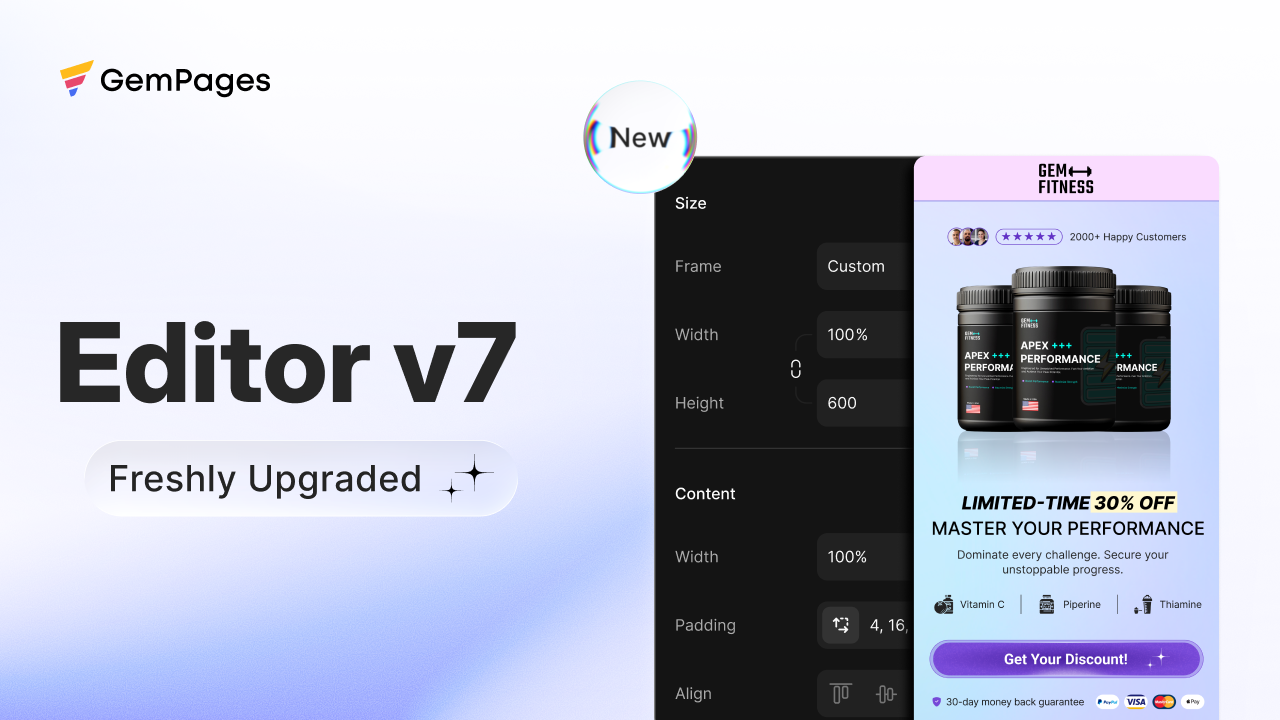
At GemPages, we’re always rethinking the design experience for eCommerce brands—and this summer, we’re rolling out one of our most significant updates yet.
This release is all about clarity, performance, and power. Whether you’re designing with dynamic product elements or just getting started with your first store, you’ll feel the difference right away.
1. New UI for Element Settings v7
A redesigned experience to help you design with more clarity and confidence
As GemPages has evolved, so have the elements you can use — from product swatches and bundles to dynamic product images. With that complexity came a growing need: how can we make all these powerful settings feel intuitive and easy to use?
New UI for Element Settings v7 is our answer. This redesign is an effort to simplify your workflow and make the editor more approachable — especially as we continue adding more ready-to-use, conversion-focused elements.
Why we redesigned the sidebar settings of the element:
We focused on clarity, consistency, and discoverability — so you can:
Get an overview of everything an element can do at a glance
Find what you need faster with a clearer, better-organized structure
Learn once, apply everywhere with a consistent UI across all elements
What’s changed:
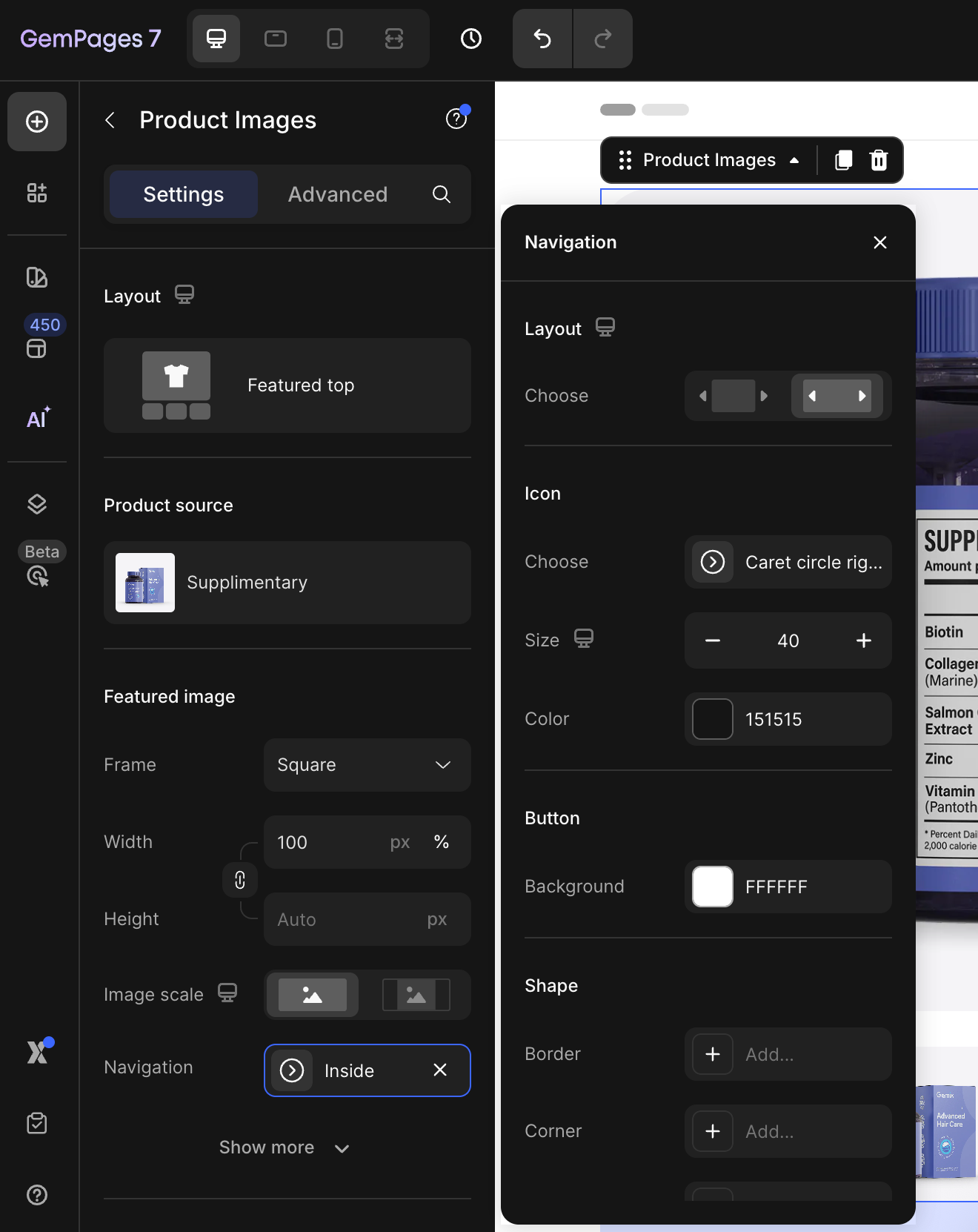
Sidebar structure: We grouped related settings together. For example, when editing a carousel, you’ll now find all button styles (from icon to background) neatly under Navigation — no more jumping between sections.
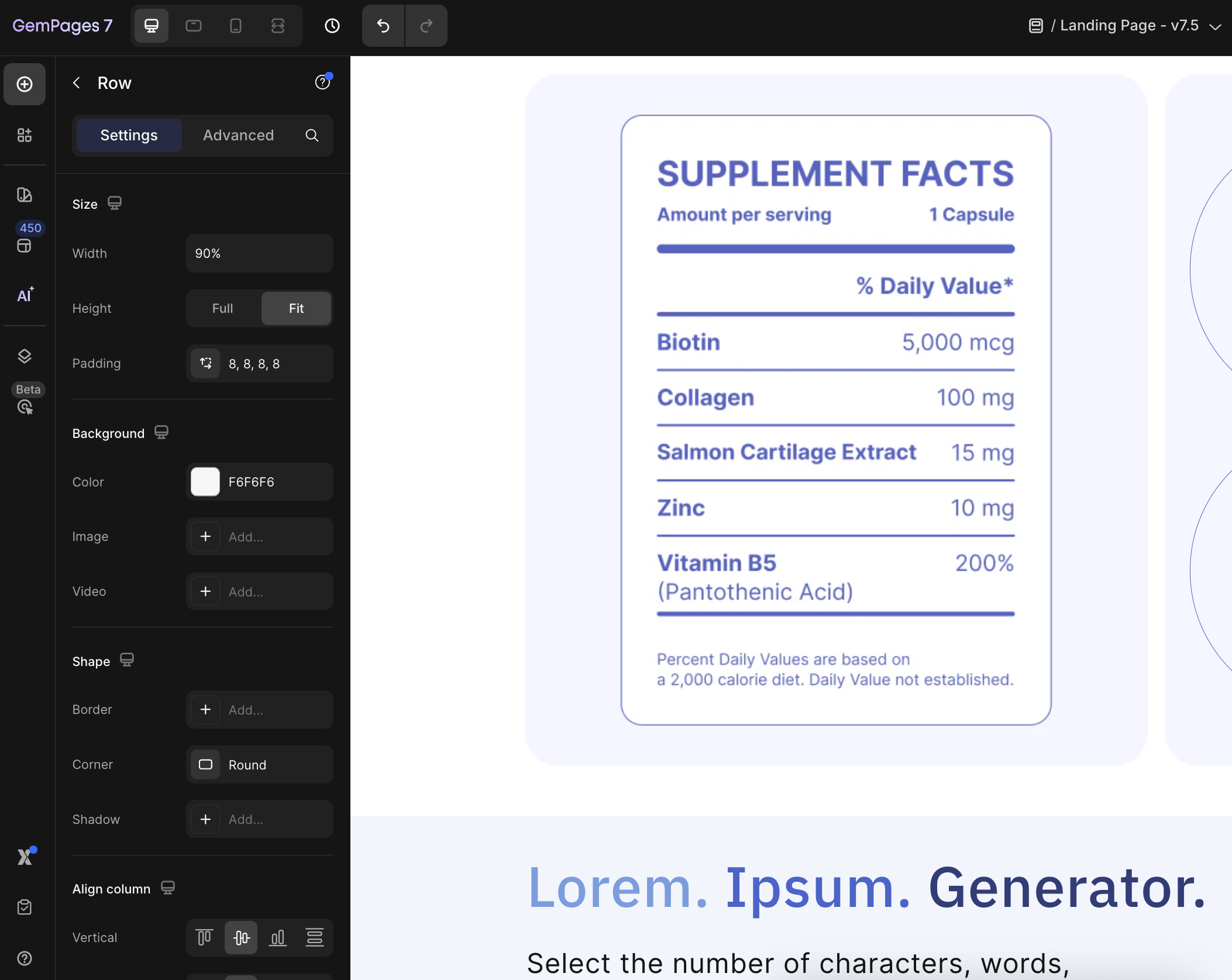
Shared styling structure: Every element now follows a consistent pattern for basic styling: Size → Background → Shape → Align. This makes it easier to learn and predict where things live.
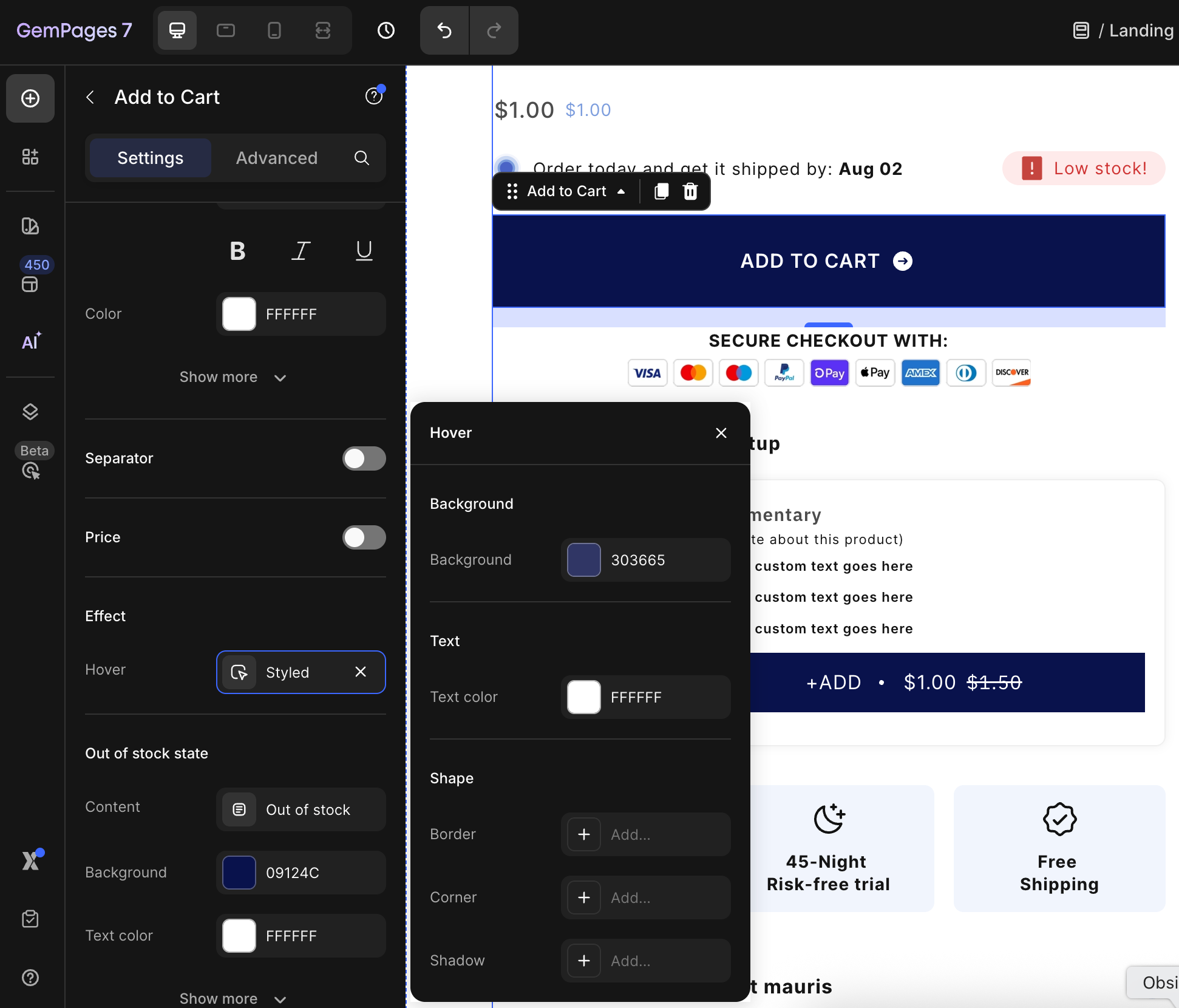
New “Effects” group: Hover styles now live under Effects, giving you a clearer place to manage interactive states like hover or focus — especially helpful for users working with multiple states.
This new settings experience is built to reduce friction and make powerful features feel simple again. We’re building GemPages to help you move fast, stay creative, and design pages that convert. This release brings us one step closer.
2. Optimized Editor Performance
Faster editor, just when you need it
We also upgraded the editor’s performance — both in the codebase and in how resources load while you work.
We made hundreds of micro-adjustments under the hood, prioritizing what loads first and intelligently delaying what can wait — right up to the moment you need it.
That means:
Shorter initial load time
Faster interactions when switching between elements
A smoother editing experience overall
Explore the new settings in your editor and let us know what you think.